
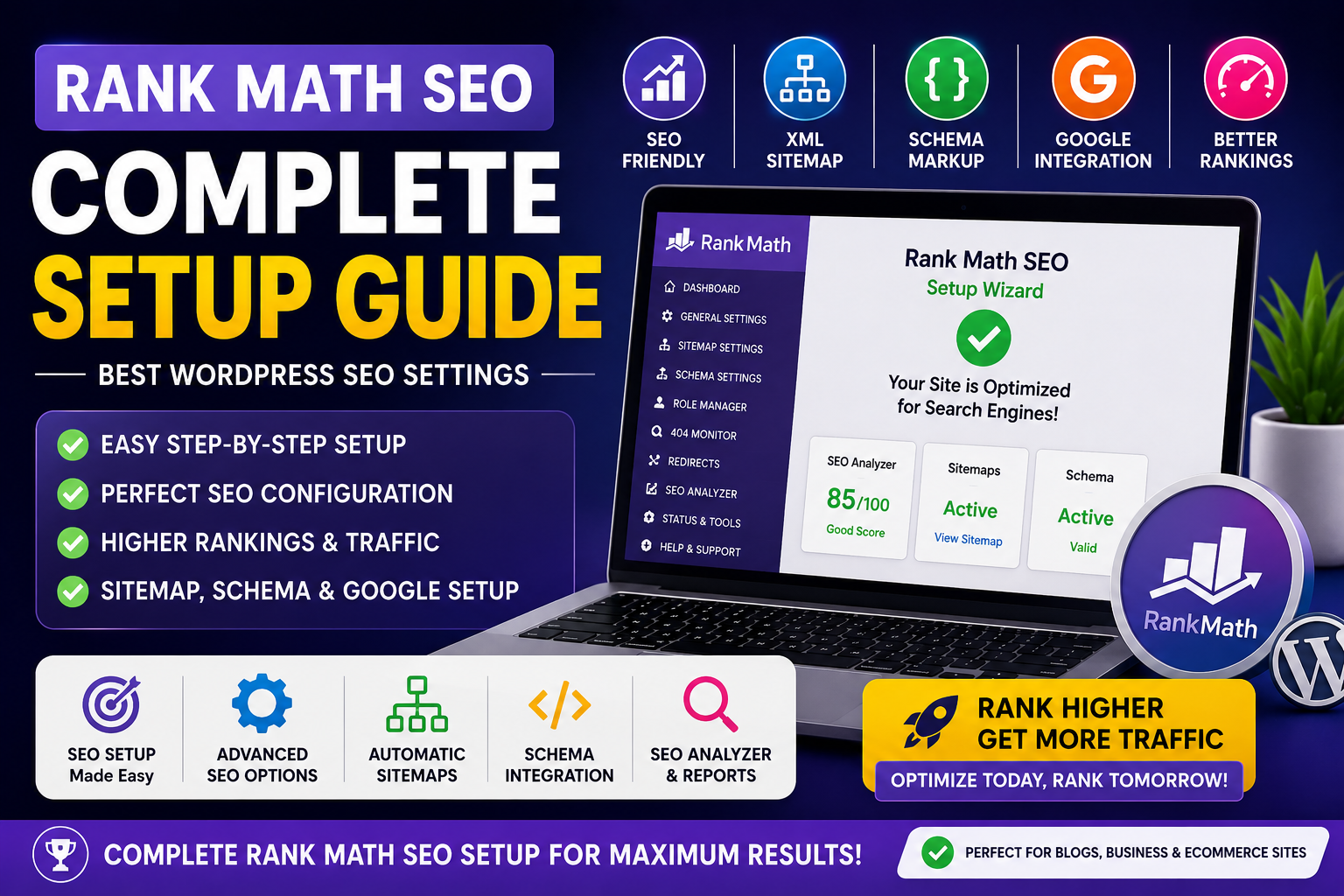
Search engine optimization (SEO) is one of the most important factors for growing website traffic.
Rank Math SEO is one of the best WordPress SEO plugins available today.
It helps improve:
✔️ Google rankings
✔️ Website indexing
✔️ SEO optimization
✔️ Schema markup
✔️ Sitemap generation
✔️ Search visibility
In this guide, we’ll learn how to properly configure Rank Math SEO for WordPress websites.
⭐ Why Choose Rank Math SEO?
Rank Math provides advanced SEO tools with an easy-to-use interface.
Main Benefits
✔️ Lightweight plugin
✔️ Advanced schema support
✔️ Google Search Console integration
✔️ XML sitemap generation
✔️ Keyword optimization
✔️ WooCommerce SEO support
🖥️ Step 1 — Install Rank Math SEO Plugin
Install from WordPress Dashboard
- Login to WordPress Dashboard
- Go to Plugins → Add New
- Search for “Rank Math SEO”
- Click Install
- Activate plugin
⚙️ Step 2 — Setup Wizard Configuration
After activation:
Open:
Rank Math → Dashboard
Run Setup Wizard.
🔥 Recommended Setup Options
Website Type
✔️ Small Business Site
✔️ Blog
✔️ Ecommerce Store
Organization Type
✔️ Organization
Add Business Details
- Website Name
- Logo
- Social Profiles
🌐 Step 3 — Connect Google Services
Connect:
✔️ Google Search Console
✔️ Google Analytics
✔️ Google Adsense (optional)
Benefits:
- Better indexing
- SEO tracking
- Search performance monitoring
📄 Step 4 — Configure XML Sitemap
Enable sitemap generation.
Recommended Sitemap Settings
✔️ Posts
✔️ Pages
✔️ Images
✔️ Categories
Disable:
❌ Tags (optional)
🔐 Step 5 — Enable SEO Modules
Recommended Modules
✔️ 404 Monitor
✔️ Redirections
✔️ Image SEO
✔️ Instant Indexing
✔️ Schema Markup
✔️ Sitemap
📊 Step 6 — Configure Titles & Meta
Go to:
Rank Math → Titles & Meta
Recommended Settings
Homepage Title
Include:
- Brand name
- Main keyword
- Website category
Meta Description
Keep between:
140–160 characters.
⭐ Step 7 — Optimize Posts for SEO
For every blog post:
✔️ Add focus keyword
✔️ Write meta description
✔️ Use headings properly
✔️ Add image ALT tags
✔️ Use internal links
✔️ Optimize URL slug
🔥 Step 8 — Configure Schema Markup
Schema improves search visibility.
Recommended Schema Types
✔️ Article
✔️ Product
✔️ Organization
✔️ FAQ
✔️ Review
📈 Step 9 — Use SEO Analyzer
Rank Math includes built-in SEO analysis.
It helps identify:
✔️ Missing SEO settings
✔️ Performance issues
✔️ Keyword optimization problems
✔️ Sitemap errors
⚡ Best Rank Math SEO Tips
Recommended
✔️ Use one focus keyword per post
✔️ Optimize images
✔️ Keep URLs short
✔️ Improve website speed
✔️ Use internal linking
Avoid
❌ Keyword stuffing
❌ Duplicate content
❌ Broken links
❌ Heavy themes
🎯 Why Rank Math is Better Than Other SEO Plugins
Many users prefer Rank Math because it offers:
✔️ Advanced features for free
✔️ Better performance
✔️ More schema options
✔️ User-friendly interface
✔️ Better automation
🧠 Final Verdict
Rank Math SEO is one of the best SEO plugins for WordPress websites.
It provides advanced optimization tools, schema support, sitemap generation, and SEO analysis while remaining lightweight and beginner-friendly.
For bloggers, businesses, WooCommerce stores, and developers, Rank Math is an excellent SEO solution.
🚀 We Recommend Hostinger
📢 Exclusive Offer 🎁
If you purchase Hostinger hosting through our link and contact us via WhatsApp or Email,
you will receive one Premium Website Template absolutely free (100% Free of Cost).