🔒 Best Backup Plugins for WordPress Websites in 2026
Website backups are one of the most important parts of WordPress website security. Whether you run a blog, WooCommerce store, business website, or affiliate platform, regular backups protect your website from:
- Hacking
- Server crashes
- Malware attacks
- Accidental deletion
- Plugin conflicts
- Failed updates
In this guide, we’ll explore the best backup plugins for WordPress in 2026 that help secure your website data professionally.
✅ Why WordPress Backups Are Important
Without backups, you can permanently lose:
- Website files
- Database data
- Blog posts
- Customer information
- WooCommerce products
- SEO rankings
A proper backup system helps restore your website quickly during emergencies.
🚀 Features to Look for in Backup Plugins
Before choosing a backup plugin, make sure it supports:
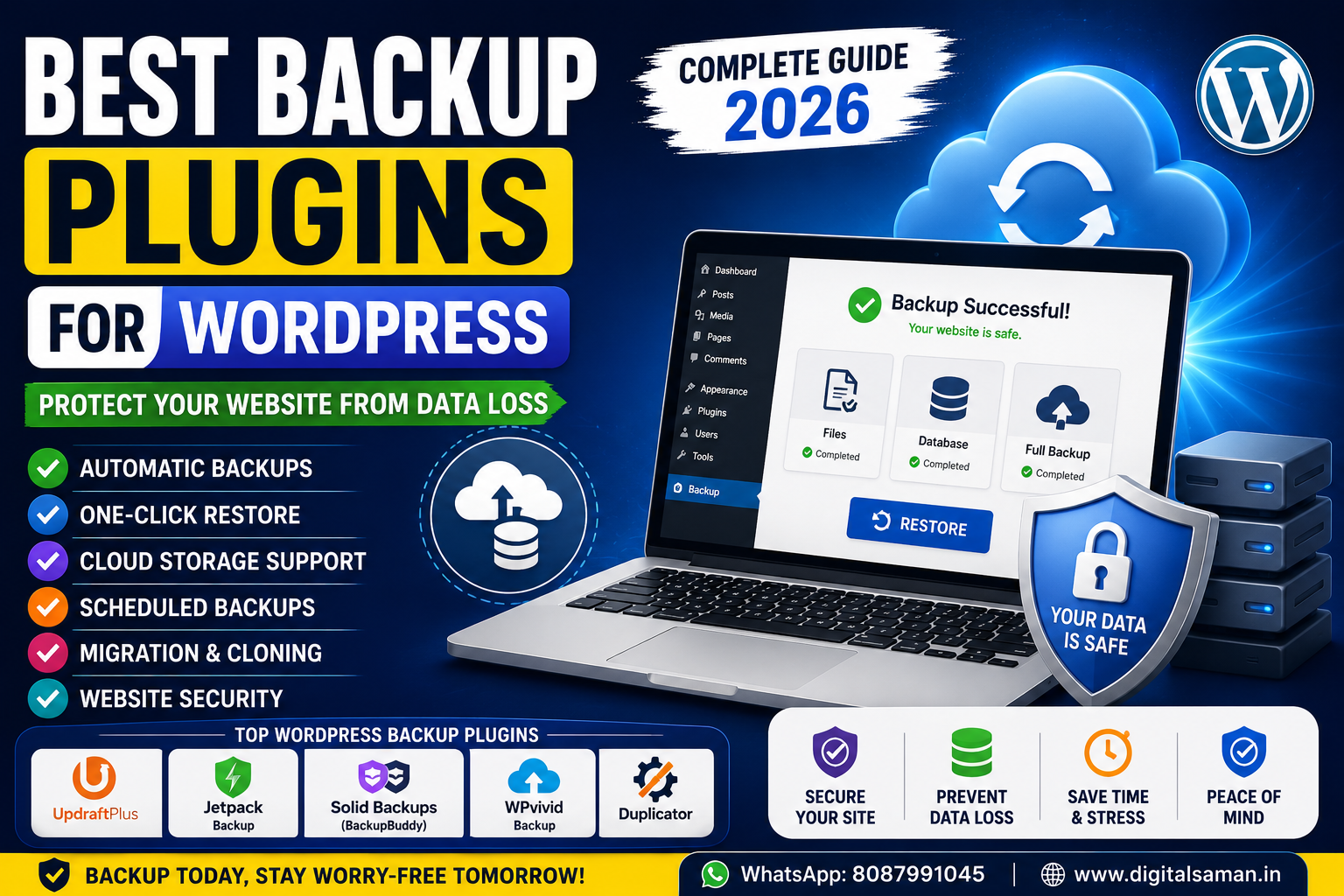
✔️ Automatic backups
✔️ Cloud storage integration
✔️ One-click restore
✔️ Scheduled backups
✔️ Database backup
✔️ Website migration
✔️ Security protection
🔥 1. UpdraftPlus
Best Overall WordPress Backup Plugin
UpdraftPlus is one of the most popular backup plugins for WordPress websites.
Features
- Automatic backups
- Google Drive integration
- Dropbox support
- One-click restore
- Website migration
- Scheduled backups
Why Use UpdraftPlus?
Easy to use and beginner friendly.
📥 Download:
https://wordpress.org/plugins/updraftplus/
⚡ 2. Jetpack Backup
Best Real-Time Backup Plugin
Jetpack Backup provides automatic cloud backups for WordPress websites.
Features
- Real-time backups
- Malware protection
- One-click restore
- Activity logs
- Security monitoring
Best For
WooCommerce and high-traffic websites.
📥 Download:
https://wordpress.org/plugins/jetpack/
🛡️ 3. Solid Backups (BackupBuddy)
Best Premium Backup Solution
Solid Backups offers professional backup and migration tools.
Features
- Full website backups
- Database backups
- Malware scanning
- Website migration
- Cloud storage support
📥 Official Website:
https://solidwp.com/
🌐 4. WPvivid Backup Plugin
Best Free Backup Plugin
WPvivid offers excellent free backup and migration features.
Features
- Automatic backups
- Website cloning
- Cloud storage support
- Scheduled backups
- Easy restore system
📥 Download:
https://wordpress.org/plugins/wpvivid-backuprestore/
💾 5. Duplicator
Best Website Migration Plugin
Duplicator is widely used for:
- Website migration
- Website cloning
- Full backups
Features
- Website package creation
- Easy migration
- Backup storage
- Cloud integrations
📥 Download:
https://wordpress.org/plugins/duplicator/
☁️ Best Cloud Storage for WordPress Backups
Recommended Backup Storage Platforms
Google Drive
Best for beginners.
Dropbox
Easy cloud synchronization.
OneDrive
Reliable Microsoft cloud storage.
Amazon S3
Best for large websites.
⚡ Best Backup Strategy for WordPress
Recommended Schedule
Daily Backup
For active blogs and ecommerce websites.
Weekly Backup
For small business websites.
Before Updates
Always backup before:
- Plugin updates
- Theme updates
- WordPress core updates
🔒 Backup Security Tips
Recommended Security Practices
✔️ Store backups offsite
✔️ Use cloud storage
✔️ Enable malware scanning
✔️ Keep backup plugins updated
✔️ Test restore functionality regularly
❌ Common Backup Mistakes
Avoid these mistakes:
❌ Storing backups only on hosting
❌ Not testing backups
❌ Using outdated plugins
❌ Ignoring automatic backups
❌ No malware protection
These mistakes can cause permanent data loss.
📈 Best Backup Plugin Combination
Recommended Setup
Backup Plugin
- UpdraftPlus
Security Plugin
- Wordfence Security
Speed Optimization
- LiteSpeed Cache
SEO Plugin
- Rank Math SEO
This combination works well for most WordPress websites.
🔗 Helpful Resources
UpdraftPlus Plugin
https://wordpress.org/plugins/updraftplus/WordPress Security Guide
https://digitalsaman.in/best-wordpress-security-plugins/Speed Optimization Guide
https://digitalsaman.in/how-to-speed-up-wordpress-website/Rank Math SEO Guide
https://digitalsaman.in/rank-math-seo-complete-setup-guide/❓ Frequently Asked Questions
Q1. Which backup plugin is best for WordPress?
UpdraftPlus is one of the best backup plugins for WordPress websites.
Q2. How often should I backup my website?
Active websites should use daily backups.
Q3. Are free backup plugins safe?
Yes, trusted plugins from WordPress.org are generally safe.
Q4. Can backups recover hacked websites?
Yes, backups help restore clean website versions after attacks.
🚀 Final Verdict
Using backup plugins is essential for every WordPress website.
A proper backup system helps:
- Protect website data
- Improve security
- Prevent data loss
- Restore websites quickly
Never run a WordPress website without regular backups.
🌐 Digital Saman
Smart. 🔒 Secure. ⚡ Reliable.
📲 WhatsApp: +91 8087991045
🌐 www.digitalsaman.in
🚀 We Recommend Hostinger
📢 Exclusive Offer 🎁
If you purchase Hostinger hosting through our link and contact us via WhatsApp or Email,
you will receive one Premium Website Template absolutely free (100% Free of Cost).