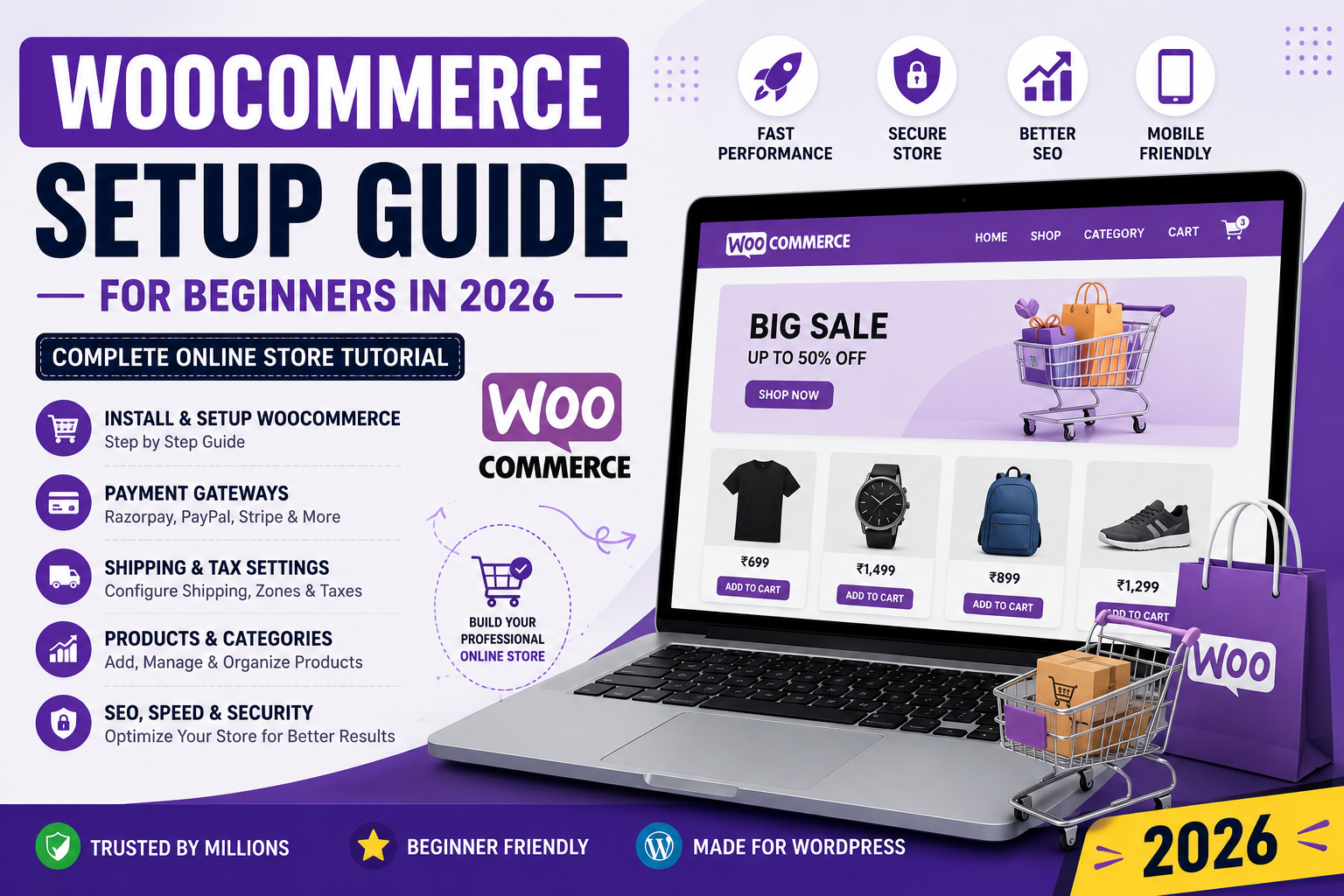
WooCommerce Setup Guide for Beginners in 2026 – Complete Online Store Tutorial
🛒 Complete WooCommerce Setup Guide for Beginners
WooCommerce is the most popular ecommerce plugin for WordPress websites. It allows you to create professional online stores for selling:
- Digital Products
- Physical Products
- Services
- Courses
- Downloads
- Affiliate Products
In this WooCommerce setup guide, you’ll learn how to properly configure WooCommerce for WordPress websites in 2026.
✅ Why Use WooCommerce?
WooCommerce is trusted by millions of websites worldwide because it is:
- Free
- Flexible
- SEO Friendly
- Beginner Friendly
- Highly Customizable
It works perfectly for:
- Small Businesses
- Bloggers
- Digital Product Stores
- Service Websites
- Ecommerce Brands
⚡ Benefits of WooCommerce for WordPress
🛒 Easy Online Store Setup
Create products, categories, and payment systems easily.
📈 SEO Friendly Structure
WooCommerce works well with Rank Math SEO and WordPress SEO plugins.
🔒 Secure Payment Support
Supports:
- Razorpay
- PayPal
- Stripe
- UPI Payments
- Credit Cards
📱 Mobile Responsive Design
Most WooCommerce themes are mobile friendly.
🚀 Scalable Ecommerce Platform
Perfect for both small and large stores.
🛠️ Step 1 – Install WooCommerce Plugin
Go to:
WordPress Dashboard → Plugins → Add NewSearch:
WooCommerceInstall and activate the plugin.
Official Plugin:
https://wordpress.org/plugins/woocommerce/🌐 Step 2 – Complete WooCommerce Setup Wizard
After activation, WooCommerce launches a setup wizard.
Configure:
- Store Name
- Store Address
- Currency
- Product Type
- Shipping Settings
Recommended Currency:
Indian Rupee (₹)📦 Step 3 – Add Products
Go to:
Products → Add NewAdd:
- Product Title
- Product Description
- Product Image
- Product Price
- Product Category
🔥 Product Types Supported
WooCommerce supports:
- Simple Products
- Variable Products
- Digital Downloads
- Affiliate Products
- Subscription Products
💳 Step 4 – Setup Payment Gateway
Recommended Payment Methods
Razorpay
Best for Indian websites.
PayPal
Best for international payments.
Stripe
Supports cards and global payments.
🚚 Step 5 – Configure Shipping
Go to:
WooCommerce → Settings → ShippingConfigure:
- Shipping Zones
- Delivery Charges
- Free Shipping Rules
📈 Step 6 – Optimize WooCommerce SEO
SEO is very important for ecommerce websites.
Install:
Rank Math SEOOptimize:
- Product Titles
- Product Descriptions
- Meta Descriptions
- Product URLs
- Product Images
⚡ Step 7 – Improve WooCommerce Speed
WooCommerce websites can become slow without optimization.
Recommended Plugins:
- LiteSpeed Cache
- WP Rocket
- Smush Image Optimization
This improves:
- Core Web Vitals
- Mobile Speed
- SEO Rankings
🔒 Step 8 – Secure Your WooCommerce Website
Install security plugins:
- Wordfence Security
- Solid Security
- Cloudflare
Enable:
- SSL Certificate
- Firewall Protection
- Login Security
📱 Step 9 – Mobile Optimization
Most users shop using mobile devices.
Use:
- Responsive Theme
- Optimized Images
- Fast Hosting
- Mobile Friendly Checkout
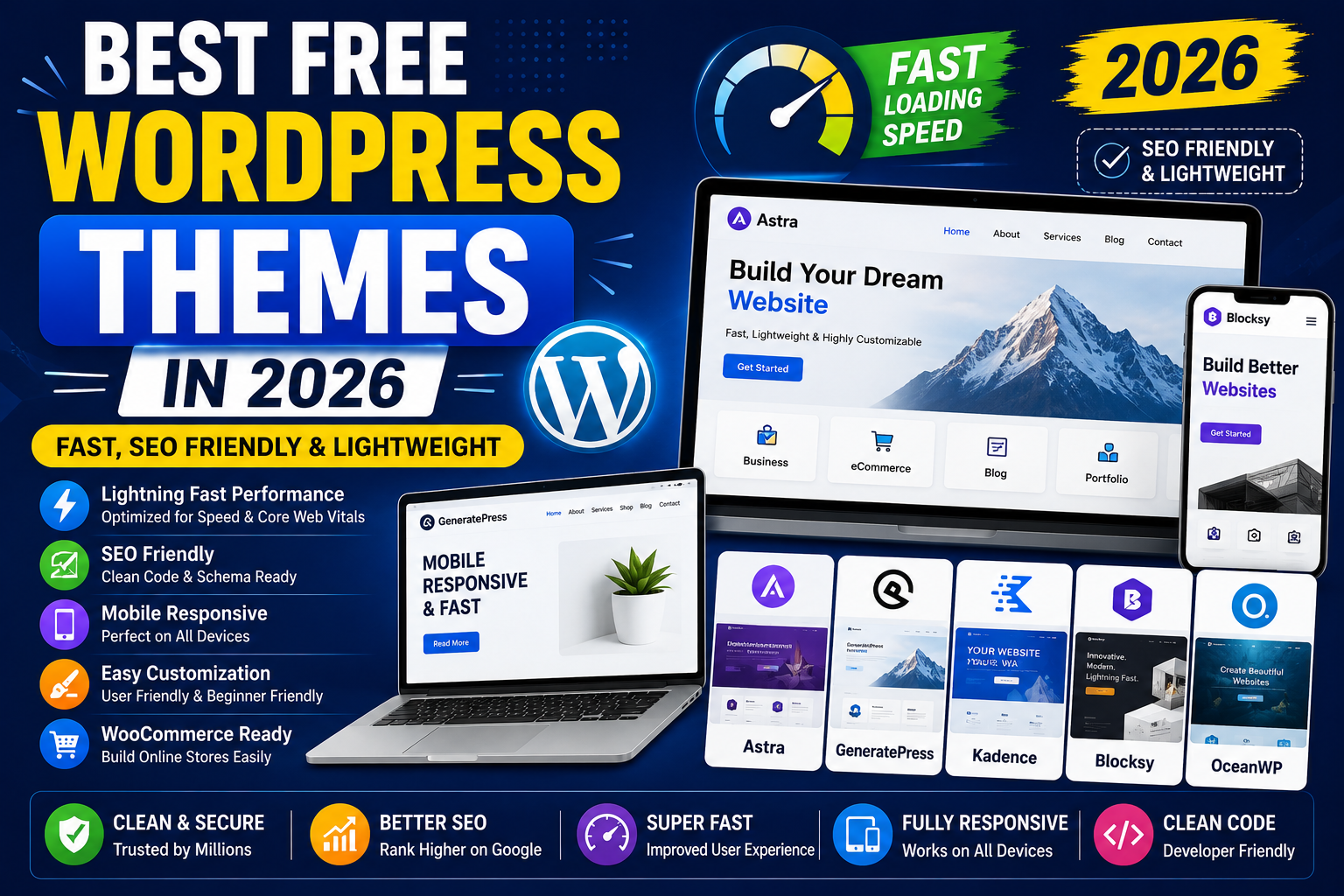
🎨 Best WooCommerce Themes in 2026
Recommended Themes
Astra
Fast and lightweight.
Kadence
Modern and SEO optimized.
Blocksy
Great performance and design.
GeneratePress
Very lightweight and fast.
❌ Common WooCommerce Mistakes
Avoid:
- Heavy Themes
- Too Many Plugins
- Unoptimized Images
- Weak Hosting
- Poor SEO Setup
These mistakes affect:
- SEO
- Website Speed
- User Experience
- Sales
🔗 Helpful Resources
WooCommerce Official Plugin
https://wordpress.org/plugins/woocommerce/Rank Math SEO Guide
https://digitalsaman.in/rank-math-seo-complete-setup-guide/WordPress Speed Optimization Guide
https://digitalsaman.in/how-to-speed-up-wordpress-website/Cloudflare Setup Guide
https://digitalsaman.in/cloudflare-setup-for-wordpress/❓ Frequently Asked Questions
Q1. Is WooCommerce free?
Yes, WooCommerce is completely free to install and use.
Q2. Which payment gateway is best for India?
Razorpay is one of the best payment gateways for Indian WooCommerce stores.
Q3. Is WooCommerce SEO friendly?
Yes, WooCommerce works very well with SEO plugins like Rank Math SEO.
Q4. Which hosting is best for WooCommerce?
Fast SSD hosting with LiteSpeed support is recommended.
🚀 Final Verdict
WooCommerce is one of the best ecommerce solutions for WordPress websites.
It is:
- Beginner Friendly
- SEO Friendly
- Scalable
- Mobile Responsive
- Highly Customizable
With proper optimization, WooCommerce can help create fast, secure, and professional online stores.
🌐 Digital Saman
Smart. 🔒 Secure. ⚡ Reliable.
📲 WhatsApp: +91 8087991045
🌐 www.digitalsaman.in
🚀 We Recommend Hostinger
📢 Exclusive Offer 🎁
If you purchase Hostinger hosting through our link and contact us via WhatsApp or Email,
you will receive one Premium Website Template absolutely free (100% Free of Cost).