🚀 How to Speed Up WordPress Website
Website speed is one of the most important ranking factors for SEO, user experience, and Google Adsense approval.
A slow WordPress website can:
❌ Reduce traffic
❌ Increase bounce rate
❌ Lower Google rankings
❌ Affect user experience
❌ Reduce conversions
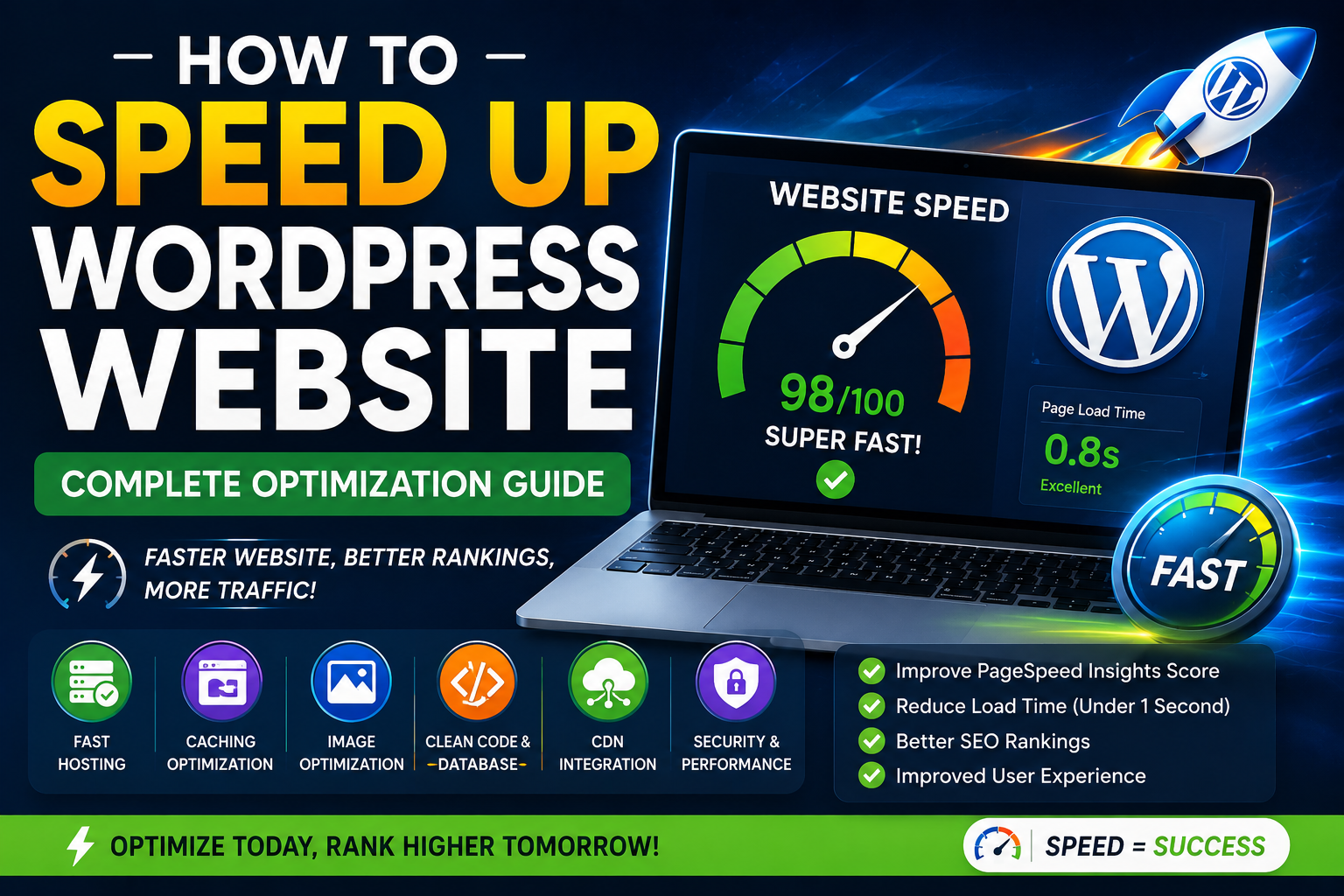
In this guide, we’ll learn the best ways to speed up WordPress websites in 2026.
⭐ Why WordPress Speed Matters
Fast websites provide:
✔️ Better SEO rankings
✔️ Improved user experience
✔️ Faster page loading
✔️ Better Adsense approval chances
✔️ Higher conversion rates
Google recommends websites should load within a few seconds.
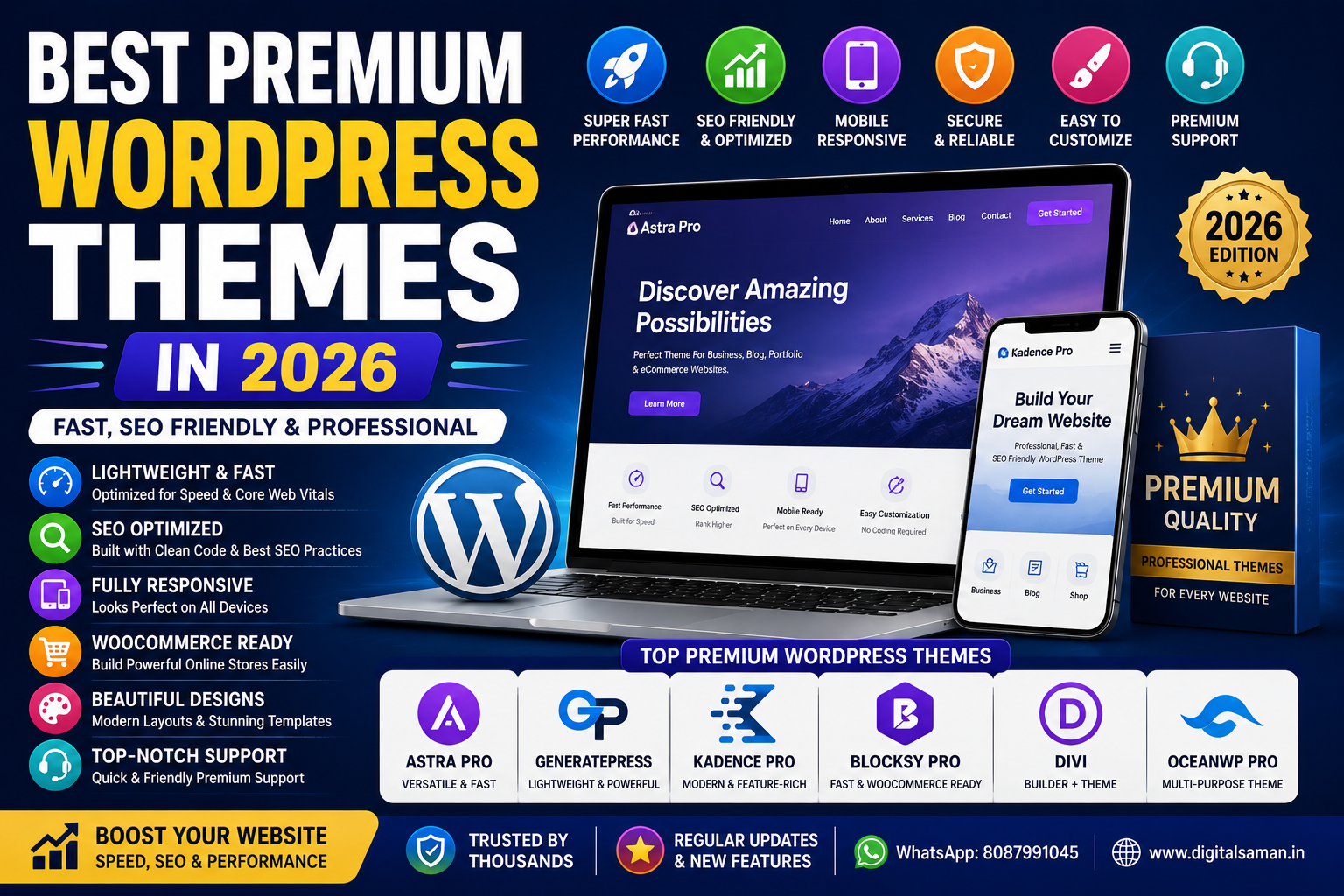
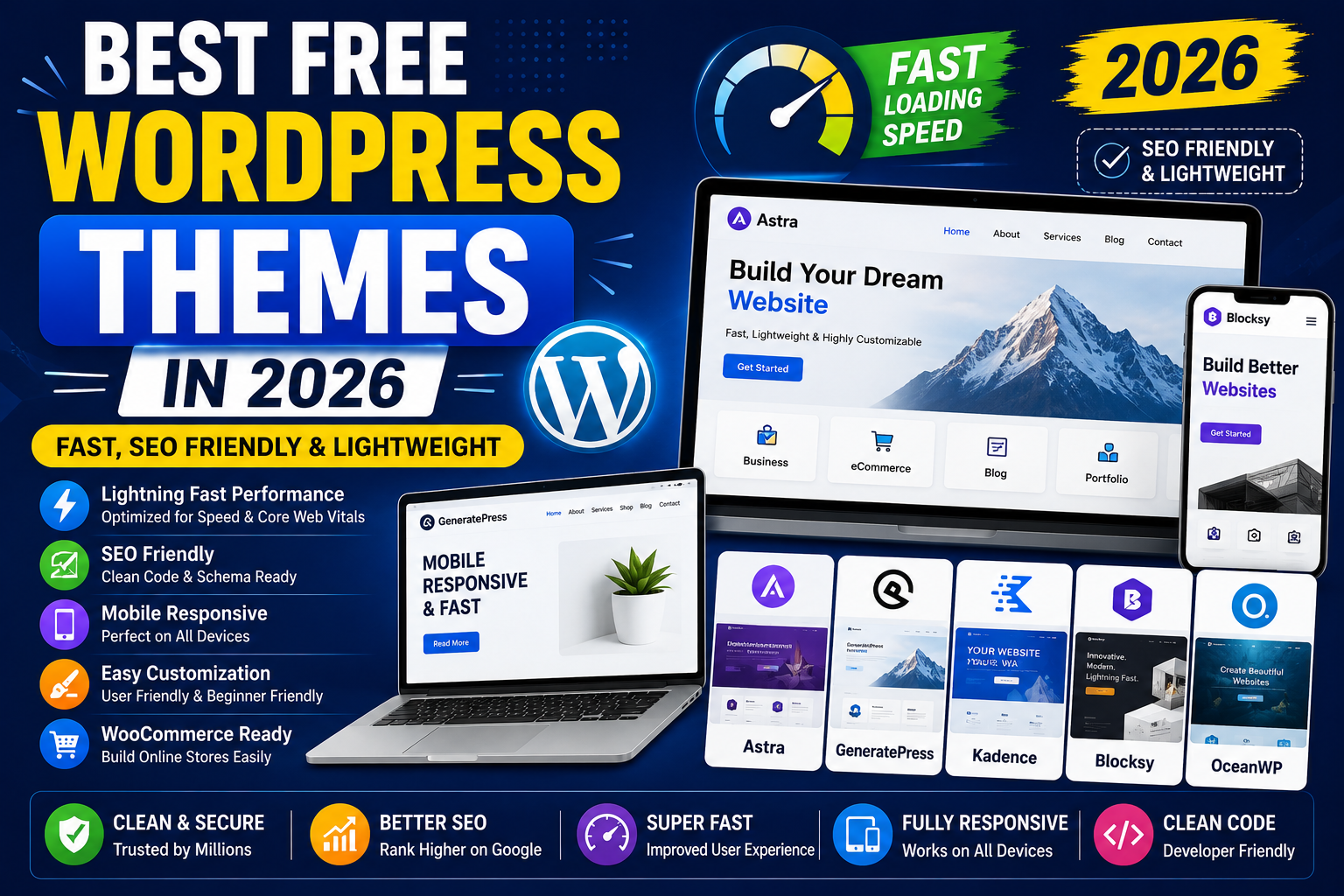
⚡ 1. Use a Lightweight WordPress Theme
Heavy themes can slow websites significantly.
Recommended Fast Themes
✔️ Astra
✔️ GeneratePress
✔️ Kadence
✔️ Blocksy
These themes are:
- Lightweight
- SEO friendly
- Mobile responsive
- Fast loading
🔥 2. Install a Cache Plugin
Caching reduces website loading time.
Best Cache Plugins
✔️ LiteSpeed Cache
✔️ WP Rocket
✔️ W3 Total Cache
✔️ WP Super Cache
Benefits
- Faster page loading
- Reduced server load
- Better performance
- Improved Core Web Vitals
🖼️ 3. Optimize Images
Large images are one of the biggest reasons for slow websites.
Best Practices
✔️ Compress images
✔️ Use WebP format
✔️ Enable lazy loading
✔️ Resize oversized images
Recommended Plugins
- Smush
- ShortPixel
- Imagify
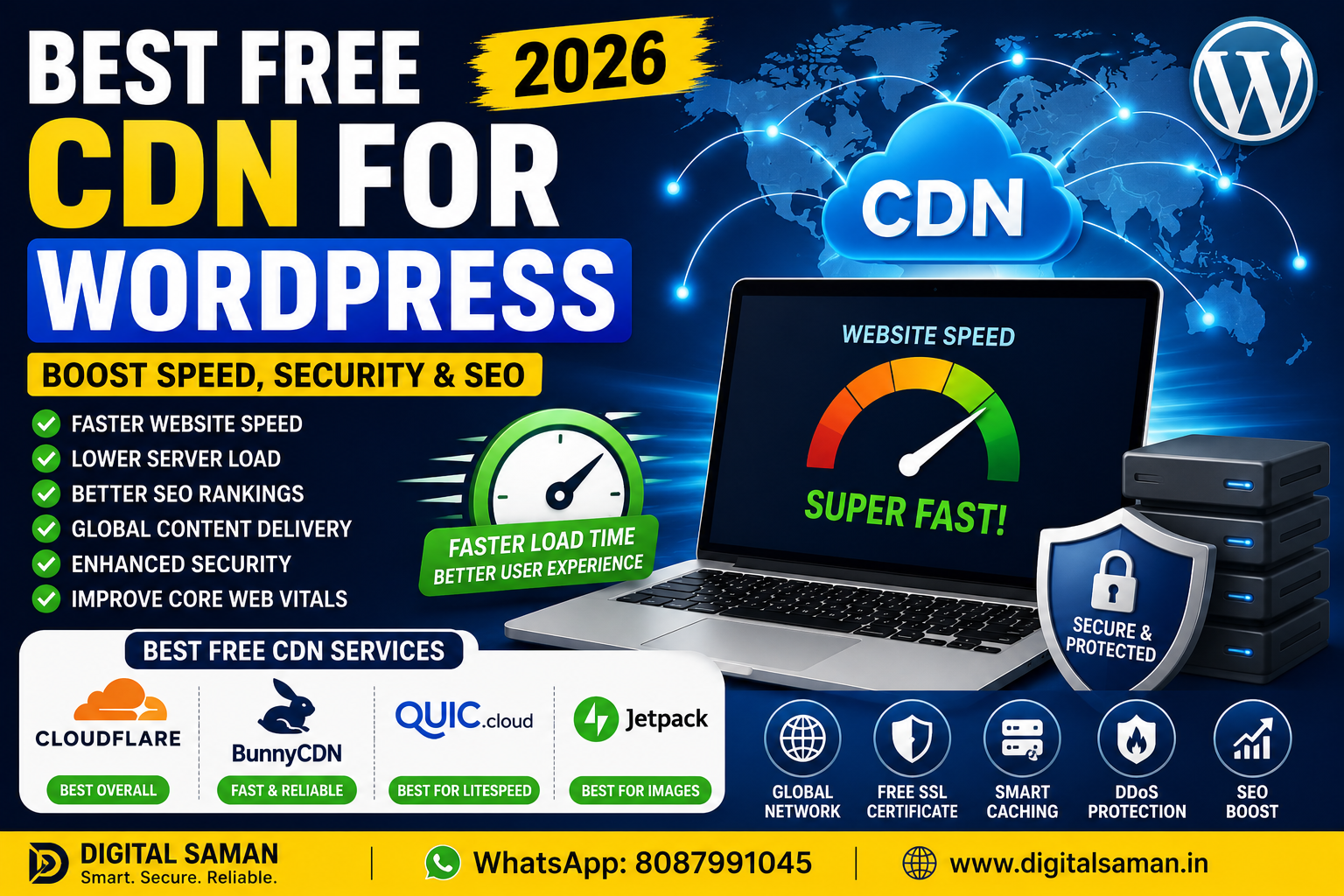
🌐 4. Use a CDN (Content Delivery Network)
A CDN improves website loading globally.
Recommended CDN
✔️ Cloudflare
✔️ BunnyCDN
✔️ QUIC.cloud
Benefits
- Faster global access
- Reduced latency
- Better security
- Improved website stability
🔐 5. Remove Unnecessary Plugins
Too many plugins can:
- Slow WordPress
- Increase database load
- Create conflicts
- Reduce performance
Recommended
✔️ Keep only necessary plugins
✔️ Delete inactive plugins
✔️ Use trusted plugins only
📦 6. Optimize WordPress Database
Over time, WordPress databases become bloated.
Cleanup Includes
✔️ Spam comments
✔️ Revisions
✔️ Transients
✔️ Unused tables
Recommended Plugins
- WP Optimize
- Advanced Database Cleaner
🛡️ 7. Use Better Hosting
Cheap hosting often causes slow websites.
Recommended Hosting
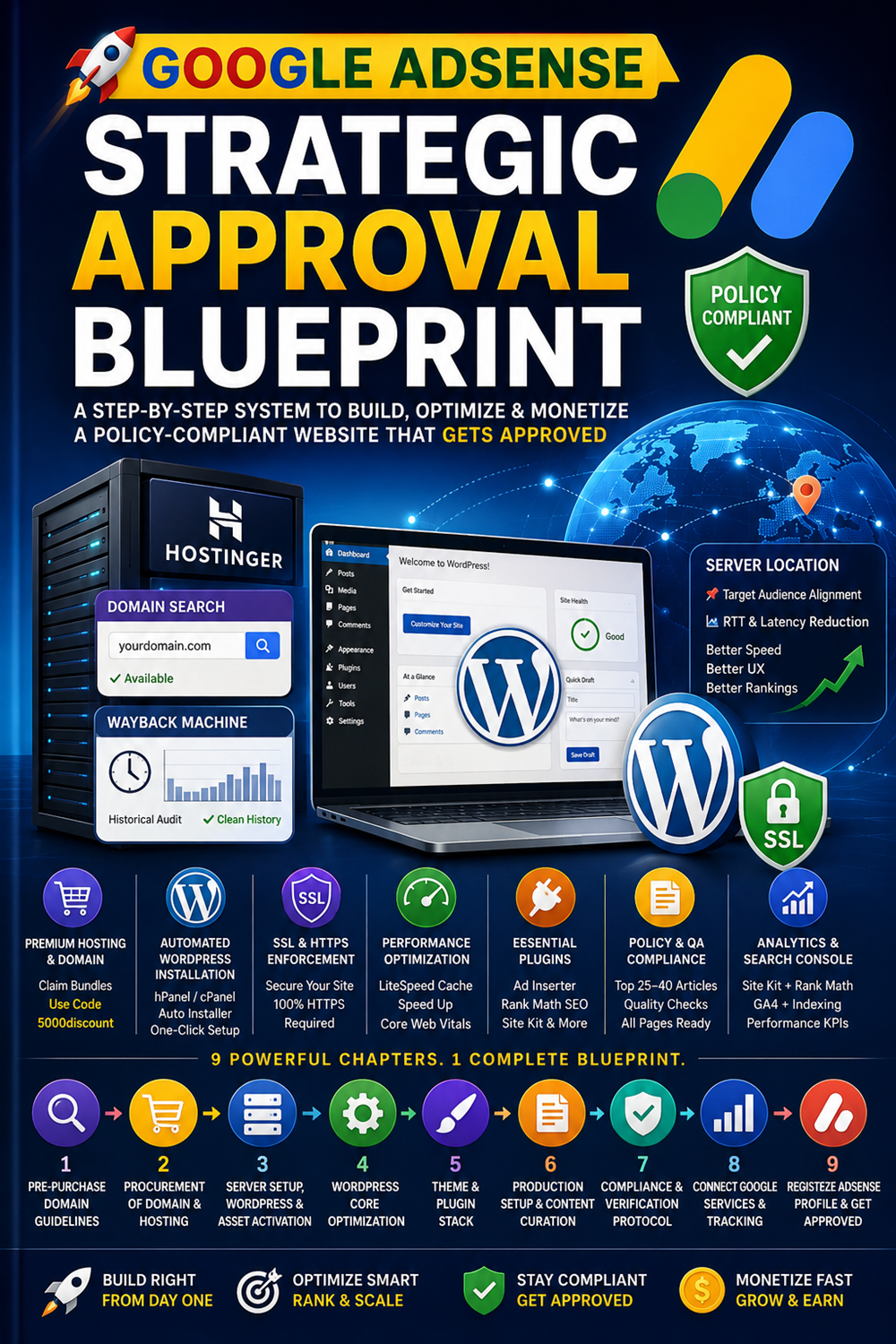
✔️ Hostinger
✔️ SiteGround
✔️ Cloudways
✔️ LiteSpeed Hosting
Fast hosting improves:
- Speed
- Stability
- Security
- SEO performance
📊 8. Minify CSS & JavaScript
Minification reduces file sizes.
Benefits
✔️ Faster loading
✔️ Reduced HTTP requests
✔️ Better performance scores
Most cache plugins provide this feature.
🎯 9. Enable Lazy Loading
Lazy loading delays image loading until needed.
Benefits
✔️ Faster initial loading
✔️ Better mobile performance
✔️ Reduced bandwidth usage
🔍 10. Test Website Speed Regularly
Use tools like:
✔️ Google PageSpeed Insights
✔️ GTmetrix
✔️ Pingdom Tools
✔️ WebPageTest
These tools help identify speed issues.
⚠️ Common Mistakes to Avoid
❌ Using heavy themes
❌ Installing too many plugins
❌ Uploading large images
❌ Cheap low-quality hosting
❌ Ignoring caching
🧠 Final Verdict
Improving WordPress speed is essential for SEO, Adsense approval, and user experience.
For best results:
✔️ Use lightweight themes
✔️ Enable caching
✔️ Optimize images
✔️ Use Cloudflare CDN
✔️ Choose better hosting
Fast websites rank better and convert more visitors.
🚀 We Recommend Hostinger
📢 Exclusive Offer 🎁
If you purchase Hostinger hosting through our link and contact us via WhatsApp or Email,
you will receive one Premium Website Template absolutely free (100% Free of Cost).