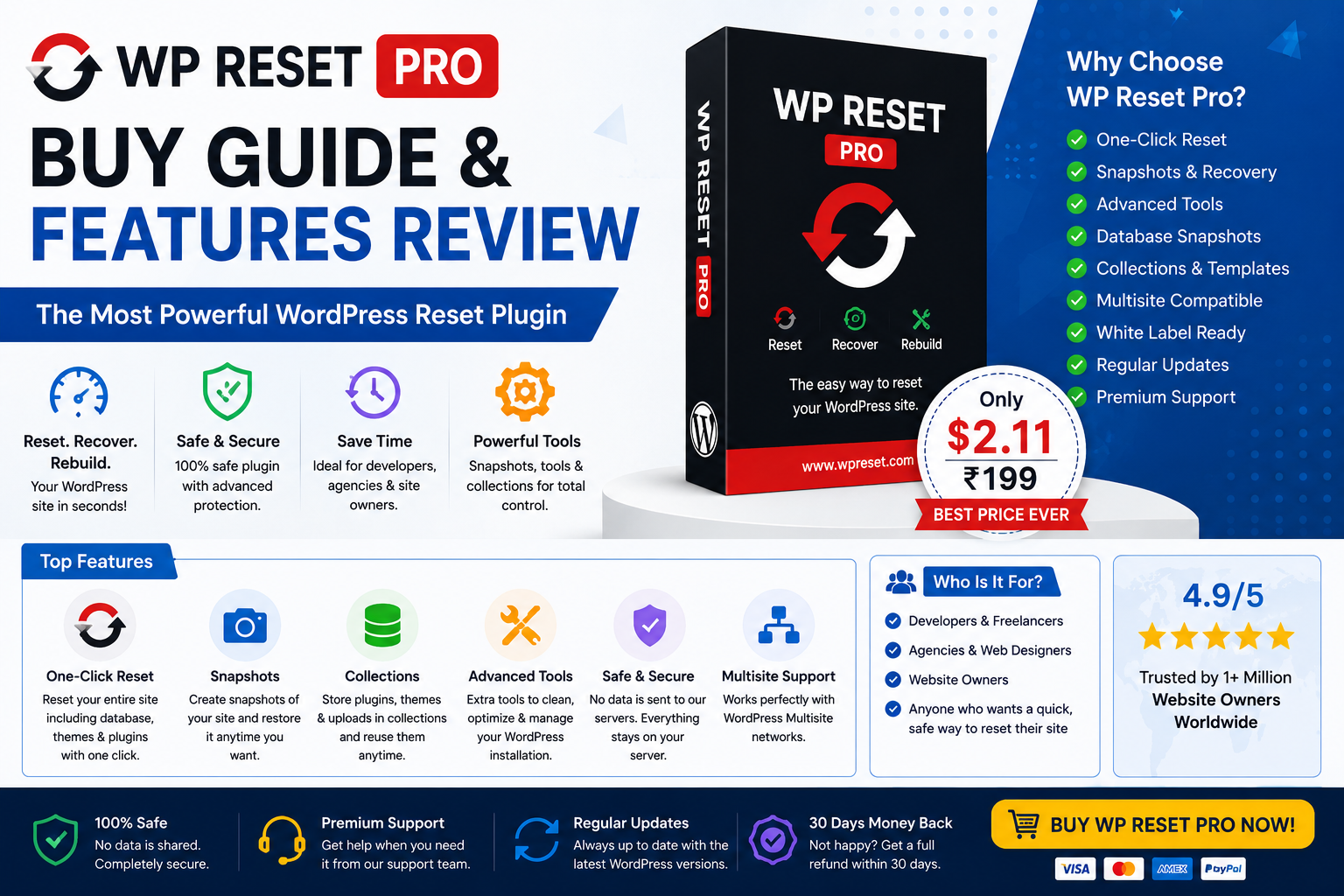
🚀 Introduction
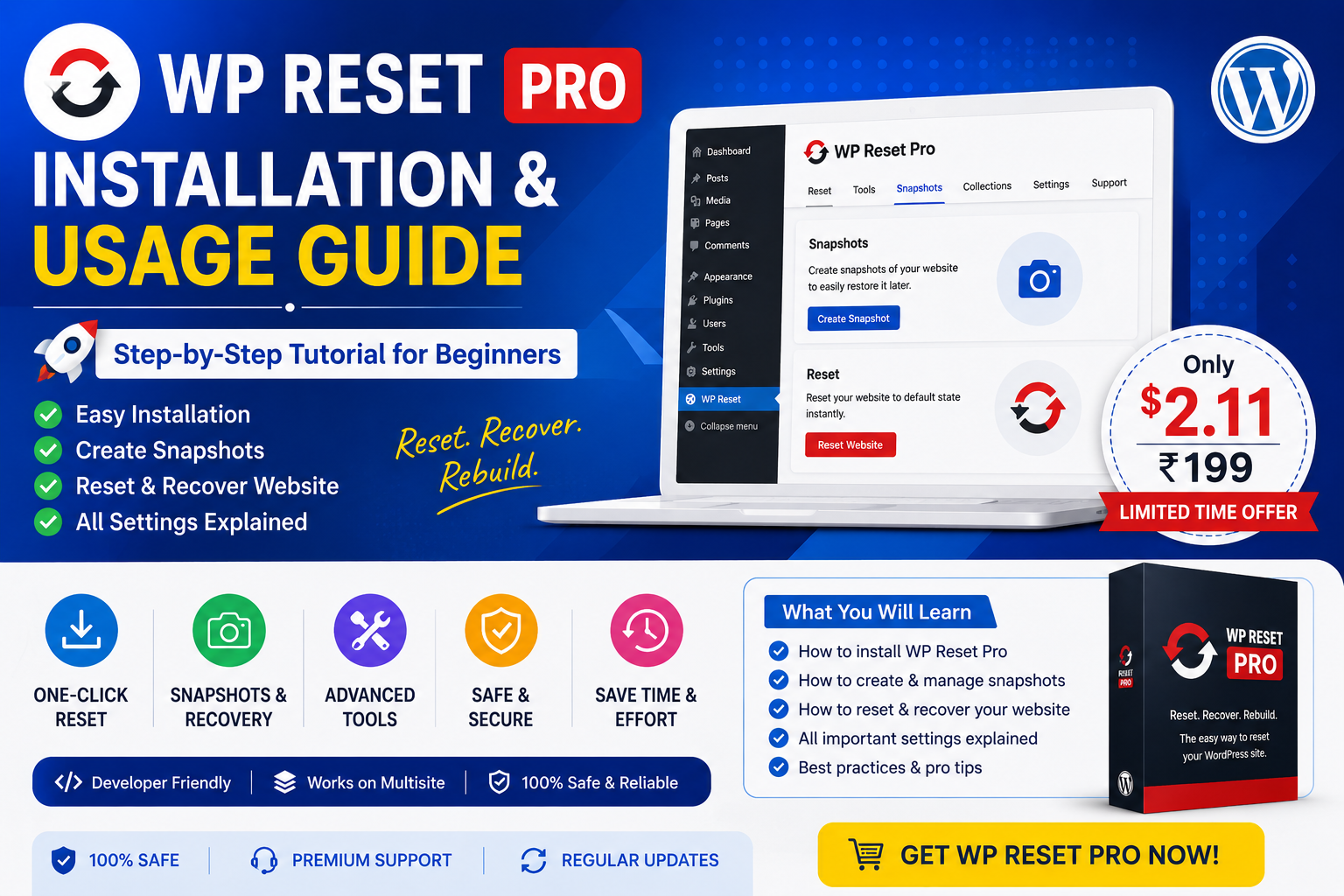
WP Reset Pro is one of the best WordPress recovery and troubleshooting plugins designed for developers, agencies, and website administrators.
It helps users:
- Reset WordPress safely
- Recover crashed websites
- Restore snapshots instantly
- Create plugin collections
- Manage development workflows
- Troubleshoot plugin conflicts
If you regularly work with WordPress websites, WP Reset Pro can save significant time and effort.
⭐ Top Features of WP Reset Pro
✅ 1. One-Click WordPress Reset
Reset WordPress instantly without reinstalling manually.
Perfect for:
- Testing environments
- Development websites
- Troubleshooting plugin conflicts
✅ 2. Automatic Snapshots
Create restore points before major changes.
Benefits:
- Instant rollback
- Safe updates
- Faster recovery
- Reduced downtime
✅ 3. Emergency Recovery Tools
Recover broken websites even when:
- Admin panel is inaccessible
- Fatal errors appear
- Plugins crash website
- Login fails
✅ 4. Plugin Collections
Save favorite plugin sets and reinstall them instantly.
Excellent for:
- Agencies
- Developers
- Multi-site setups
✅ 5. Cloud Backup Integration
WP Reset Pro supports cloud-based recovery options.
This improves:
- Backup safety
- Remote recovery
- Disaster management
✅ 6. Database Cleaning Tools
Clean:
- Transients
- Unused tables
- Temporary data
- Debug information
This helps optimize WordPress performance.
🔥 Why Developers Love WP Reset Pro
WP Reset Pro helps reduce:
- Development time
- Troubleshooting effort
- Recovery delays
- Plugin conflict issues
It allows faster website testing and safer WordPress management.
📊 WP Reset Pro Pricing Overview
WP Reset Pro offers different plans depending on:
- Website count
- Cloud features
- Team management
- License duration
Users should choose plans based on:
- Personal websites
- Client websites
- Agency requirements
- Development workflows
🎯 Who Should Buy WP Reset Pro?
| User Type | Recommended |
| Developers | ✅ Highly Recommended |
| Agencies | ✅ Excellent |
| Bloggers | ✅ Useful |
| WooCommerce Owners | ✅ Helpful |
| Beginners | ⚠️ Learn carefully |
🛡️ Is WP Reset Pro Safe?
Yes, WP Reset Pro is safe when used correctly.
Safety features include:
- Recovery snapshots
- Reset confirmations
- Emergency recovery tools
- Cloud restore options
However, always maintain backups before major resets.
⚡ Advantages of WP Reset Pro
✅ Pros
- Easy interface
- Fast reset system
- Excellent recovery tools
- Snapshot support
- Developer friendly
- Cloud integration
- Time saving
❌ Cons
- Pro version required for advanced tools
- Beginners must use carefully
- Improper resets may remove data
🖥️ Best Use Cases
WP Reset Pro works best for:
- Website development
- Plugin testing
- Malware cleanup
- Theme customization
- WordPress troubleshooting
- Website recovery
💡 Should You Buy WP Reset Pro?
If you regularly manage WordPress websites, WP Reset Pro is absolutely worth considering.
It can:
- Save hours of troubleshooting
- Improve recovery speed
- Simplify development work
- Protect websites with snapshots
For developers and agencies, it becomes a valuable productivity tool.
🧠 Final Verdict
WP Reset Pro is one of the most powerful WordPress recovery plugins available today.
Its snapshot system, emergency recovery tools, plugin collections, and reset features make it extremely useful for WordPress professionals.
If you frequently build or troubleshoot WordPress websites, WP Reset Pro is a smart investment.
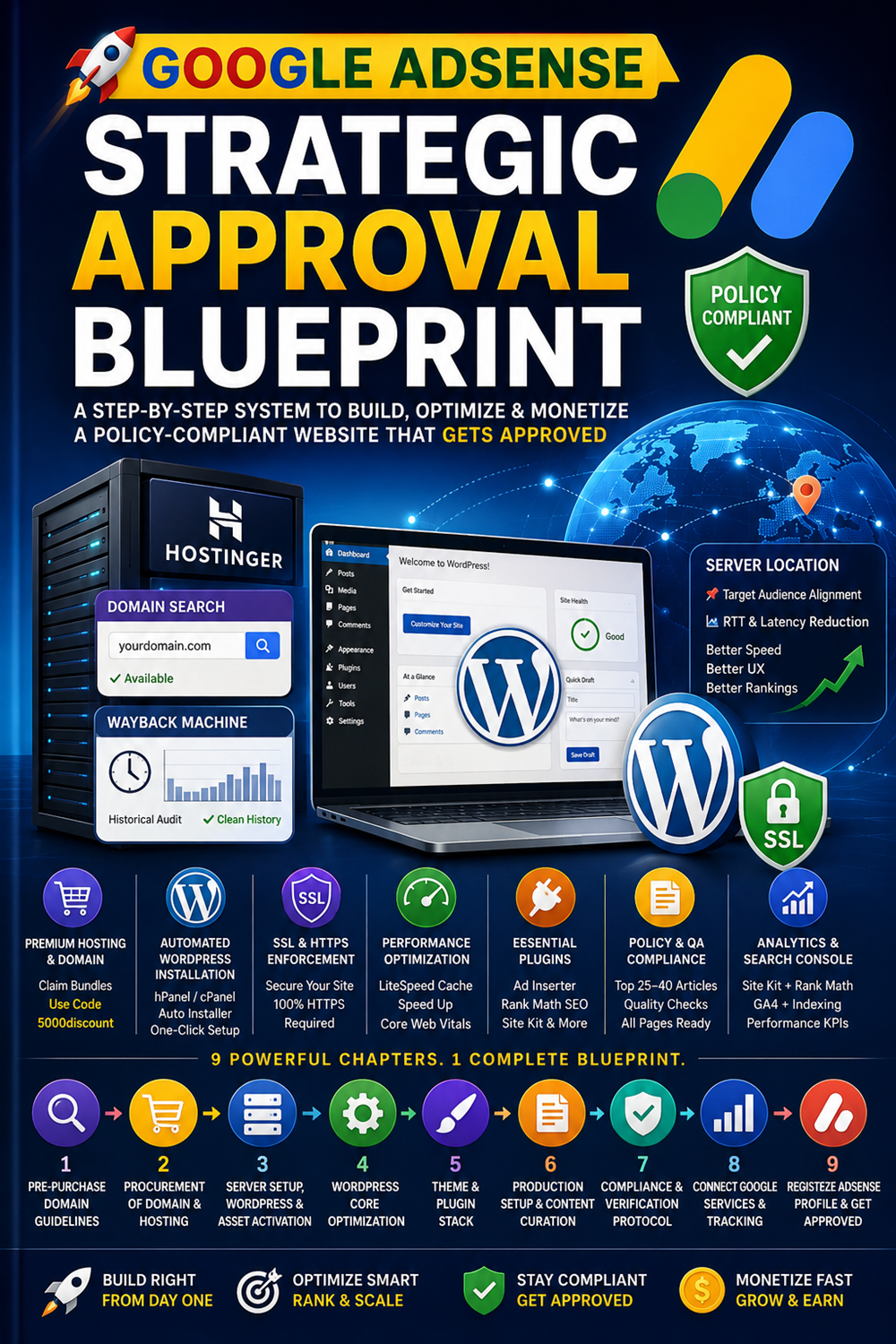
🚀 We Recommend Hostinger
📢 Exclusive Offer 🎁
If you purchase Hostinger hosting through our link and contact us via WhatsApp or Email,
you will receive one Premium Website Template absolutely free (100% Free of Cost).